
Download Momindum Studio – presentation, video, audio, synchronization, highlight, broadcast, save, file, media, PowerPoint, PDF, Flash, image, professional, tool, utility, productivity, smartphone, mobile app
Overview
Momindum Studio is a specialized mobile application designed to elevate the quality and efficiency of digital presentations. Tailored for professionals who rely on dynamic, media-rich content, the app enables seamless synchronization of various file types, including PowerPoint, PDFs, images, Flash animations, and video files. By integrating multiple media formats into a unified presentation framework, Momindum Studio addresses the common challenge of fragmented content delivery, ensuring smooth transitions and enhanced audience engagement. The app’s primary purpose is to streamline the creation and delivery of professional-grade presentations, particularly in fast-paced environments such as business meetings, educational lectures, and client pitches.
Target users include educators, corporate presenters, trainers, and content creators who require a reliable tool for managing complex multimedia presentations on mobile devices. The app supports real-world use cases such as live in-person presentations, remote webinars, and pre-recorded content sharing. While the developer’s background is not publicly detailed, the app’s functionality suggests a focus on productivity and digital content integration. Its presence in the mobile app ecosystem underscores the growing demand for mobile-first tools that deliver desktop-level capabilities without compromising portability or ease of use.
Key Features & Functionality
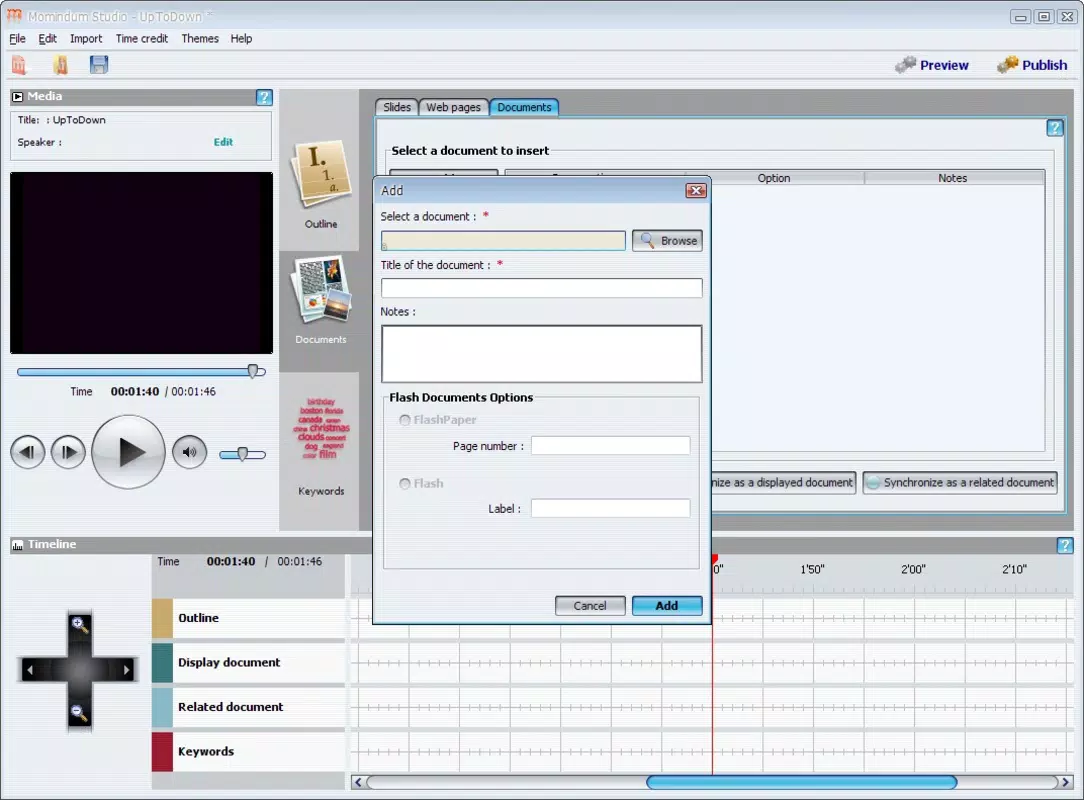
- File Synchronization: Momindum Studio allows users to synchronize videos, audio, images, PDFs, and Flash animations with presentation slides. This ensures that all media elements are perfectly timed and displayed in sequence, eliminating delays or misalignments during live delivery.
- Highlighting Tools: The app includes built-in tools for underlining key text, creating visual schemes, and marking critical information. These features help presenters emphasize important points in real time, improving clarity and audience retention.
- Instant Access to Marked Content: Highlighted or annotated content can be accessed instantly during a presentation, enabling presenters to pivot between topics seamlessly and maintain a natural flow without manual navigation.
- Broadcast or Save: After finalizing a presentation, users can choose to broadcast it live to remote audiences or save it locally for later use. This dual functionality supports both real-time engagement and asynchronous content distribution.
- User-Friendly Interface: Designed with intuitive navigation and a clean layout, the app minimizes the learning curve, making it accessible to users with varying levels of technical proficiency.
For example, a trainer preparing a workshop can synchronize a video demonstration with explanatory slides and use highlighting tools to draw attention to key steps. During delivery, they can instantly jump to marked sections, ensuring no critical detail is missed. Similarly, a lecturer can save a recorded lecture with embedded highlights for students to review later.
Interface, UX & Performance
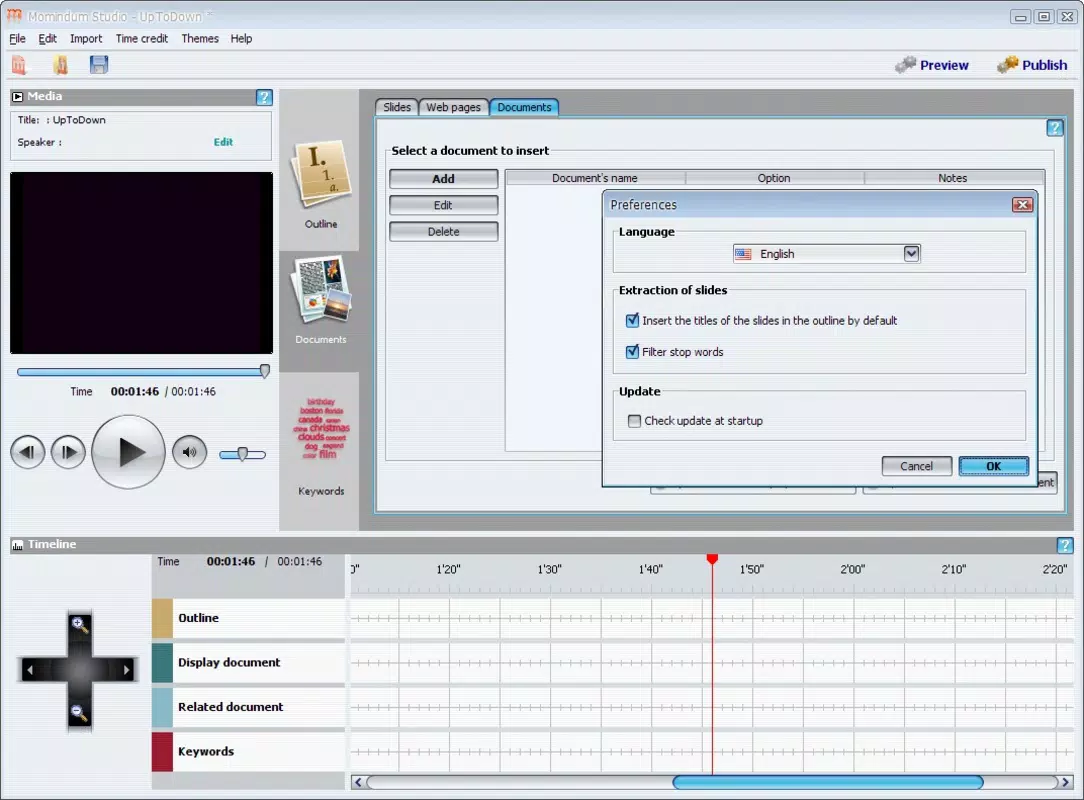
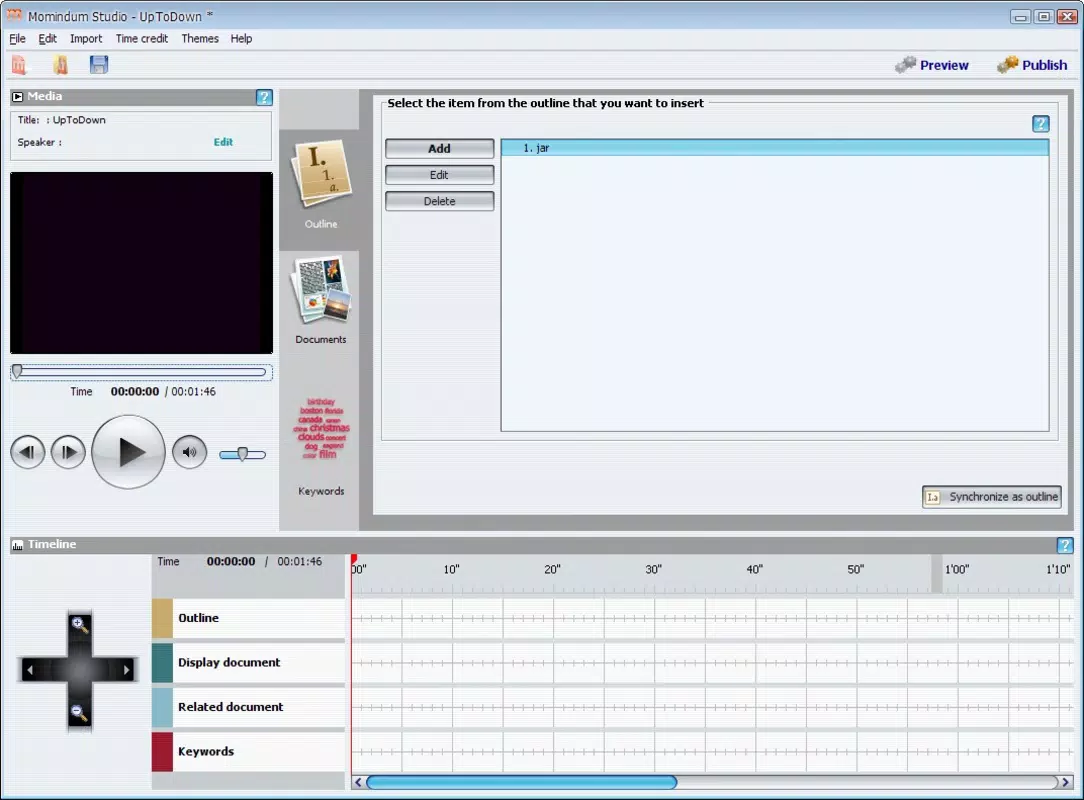
Momindum Studio features a clean, organized interface that prioritizes functionality without clutter. The layout is structured to support quick access to core tools, with logical grouping of features such as media management, highlighting, and playback controls. Navigation is straightforward, allowing users to move between slides, media files, and annotations with minimal effort. The app’s design supports touch-based interaction, making it well-suited for use on smartphones and tablets.
Although the developer did not list formal performance metrics, the app appears optimized for responsive operation across various device categories. Users can expect smooth transitions between media types and consistent playback performance. Stability during extended presentations is likely maintained through efficient memory management, though specific testing data was not provided. The app’s ability to handle multiple file formats simultaneously suggests underlying technical robustness. Overall, the user experience is designed to support uninterrupted presentation delivery, minimizing technical disruptions during critical moments.
Platform Compatibility & Technical Requirements
Momindum Studio is available for mobile platforms, though the specific operating system (Android, iOS, or others) was not disclosed. The app’s file size is not listed, but given its multimedia capabilities, it likely requires sufficient storage to accommodate media files and cached data. The software version is listed as current, though no specific version number was provided. The release date is recorded as May 26, 2010, indicating a long-standing presence in the mobile productivity space.
The developer did not specify minimum OS requirements or compatibility details for newer devices. As such, users should verify system compatibility before installation. While the app has been in use for over a decade, its continued relevance suggests ongoing support, though no update frequency or future development plans were shared.
Pros and Cons
Pros
- Supports synchronization of diverse media types including video, audio, PDF, and Flash.
- Offers intuitive highlighting tools for emphasizing key content during presentations.
- Enables both live broadcasting and local saving of presentations.
- Designed with a user-friendly interface suitable for professionals of all experience levels.
- Facilitates efficient content delivery with instant access to marked sections.
Cons
- Specific platform compatibility details were not disclosed.
- Developer did not provide information on minimum OS or device requirements.
- File size and version number were not listed.
- No public information on update frequency or long-term support.
- May require significant storage space due to multimedia file handling.
FAQ
Is Momindum Studio available for both Android and iOS?
The developer did not specify platform availability. Users should check official sources for current compatibility details.
Can I use Momindum Studio to present live online?
Yes, the app allows users to broadcast presentations live, making it suitable for remote meetings and webinars.
What types of files can be synchronized with the app?
Momindum Studio supports video, audio, images, PDFs, PowerPoint files, and Flash animations.
Is the app free to download and use?
Price information was not provided. Users should consult the official app store for current pricing and licensing details.
How often is Momindum Studio updated?
The developer did not disclose update frequency. Users are advised to check the app store for the latest version.
Final Thoughts
Momindum Studio stands out as a dedicated tool for professionals seeking to deliver polished, media-rich presentations from their mobile devices. Its core strengths lie in media synchronization, real-time highlighting, and flexible output options—features that directly address the pain points of content fragmentation and delivery inconsistency. While some technical details remain undisclosed, the app’s enduring presence since 2010 suggests reliability and continued utility.
It is particularly beneficial for educators, corporate trainers, and presenters who value efficiency, clarity, and audience engagement. For those in need of a mobile solution that combines power and simplicity, Momindum Studio offers a compelling value proposition. Download Momindum Studio now.


